How to log a call-out
Three ways to reach us, whatever's easiest for the person on site: the web form, the phone, or your client portal if you're already set up.
Why it matters
The fastest way to a fixed fault is a call-out that's logged properly the first time. A site name without a postcode, or a fault description that's really three faults, costs time before an engineer is even assigned. The three routes below all collect the same information, so it doesn't matter which one you use.
Three ways to log a call-out
- Web form — log a job on our contact page. The quickest route, and our preferred one. Available any time, no login needed.
- Phone on 0114 2125 403 — the same number for every trade and every site.
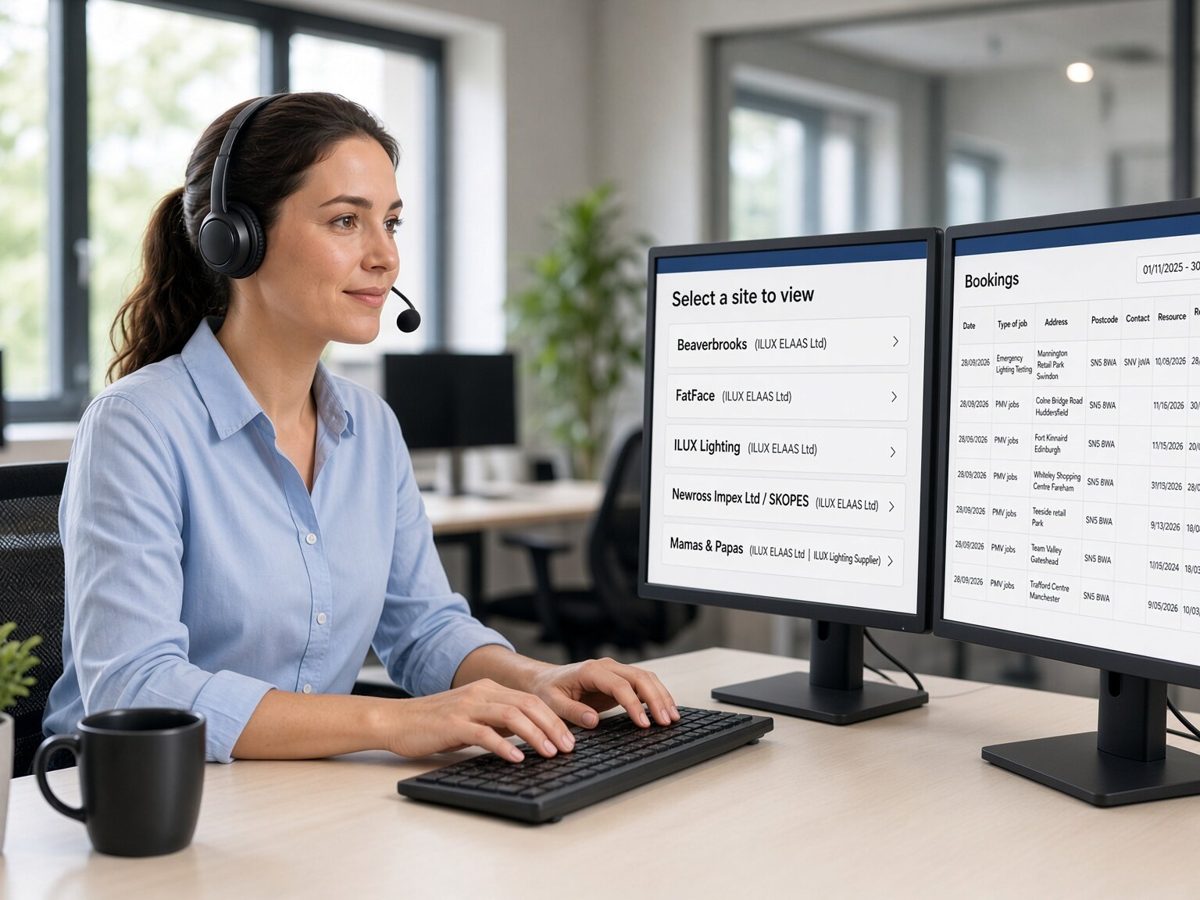
- Client portal — existing clients can log a call-out directly against the site, with the fault attached to your asset register from the start.
What to have ready
Whichever route you use, having this to hand means the priority and the right engineer are assigned straight away:
- The site name and postcode
- What's wrong, in plain terms — what's not working and what it's stopping
- Who to call back, and a number that's answered on site
- A purchase order number, if your business requires one for the invoice
Priority and response time are set the moment you log it.
See how priority levels work and what response time applies to your sites.
What happens next
You get confirmation of the job and its priority as soon as it's logged, plus an estimated attendance time. The job then sits in your client portal with live status until it closes with a completion report, and a certificate where one applies.
If the fault needs raising to a higher priority once an engineer has seen it, that update happens in the same job.
Common questions.
Do we need to be an existing client to log a call-out?
No. The web form and phone line are open to new and existing clients alike — logging a fault starts a conversation either way.
Can someone other than the account holder log a fault?
Yes. Anyone on site can log a call-out — we just need a name and a number for the engineer to reach on arrival.
How do we get set up on the client portal?
Portal access is arranged as part of a reactive or planned contract. Ask your account manager, or get in touch and we'll set it up.
What if we don't have a purchase order number?
That's fine — a PO number isn't needed to log or attend a call-out. Add it later if your business needs one on the invoice.
Can we log more than one fault at once?
Yes. Log each fault separately if they're unrelated, so each gets its own priority and its own engineer where needed — bundling different faults into one job slows both down.
Fault logged, engineer on the way.
Use the form, call the number, or log it in your portal — however's quickest from where you're standing.