Microsoft Teams calling
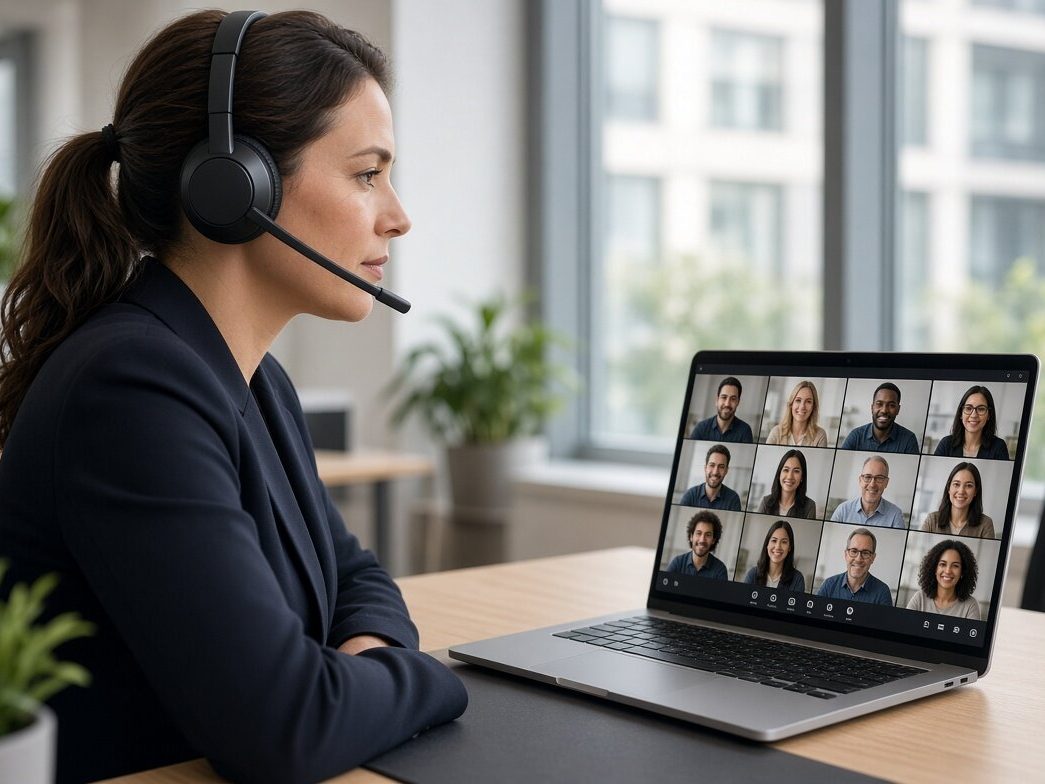
Make and take ordinary phone calls from Teams, on your existing business numbers, so the app your office already lives in becomes the phone system too.
Why it matters
With the analogue phone network closing, every business has to move its numbers onto an internet-based service. If your staff already use Microsoft 365, routing calls through Teams means no separate phone system to learn, licence or maintain.
What's included
- Your existing numbers ported into Teams, or new numbers by area code
- Direct Routing or Operator Connect set up against your Microsoft tenant
- Call queues, auto-attendants, hunt groups and out-of-hours routing
- Teams-certified handsets and headsets for reception and shop floor where needed
- Call recording and reporting where the business needs it
- Ongoing changes (starters, leavers, number moves) through the helpdesk
The hosted phone system does the same job.
Same numbers, same call routing, with a softphone app and desk phones instead of Teams.
Common questions.
Which Microsoft licence do we need?
Teams Phone is added to the Microsoft 365 licences you already hold; we tell you exactly which add-on applies and can supply the licences on the same bill.
Can some sites stay on desk phones?
Yes. Teams-certified IP phones work on the same numbers and routing, so a shop floor can keep a handset while the office uses laptops.
Does it work if the broadband goes down?
Calls follow the user, so the mobile app keeps working on 4G/5G, and a backup SIM in the site router keeps desk phones up too.
Your numbers, in Teams.
Ported and routed without a day of missed calls.